The best AI tools to automate email follow-ups solve a problem most freelancers ignore: deals rarely die from a “no.” They die in silence.
You send a proposal, hear nothing, and forget to chase it. Meanwhile, the client was simply busy. This guide compares six real tools with USD and GBP pricing. You’ll also learn how to set up your first sequence in under an hour and avoid the mistakes that send follow-ups straight to spam.
If you already use AI elsewhere, our guide to AI tools for freelancers is a good companion. Let’s start with why follow-ups matter so much.
Why You Should Automate Email Follow-Ups With AI
Most people send one email and stop. That’s the single biggest leak in a freelancer’s income.
What manual follow-ups really cost you
Chasing replies by hand means scanning your sent folder, remembering who went quiet, and writing yet another “just checking in.” It’s boring, so it gets skipped.
Automation fixes the boring part. Automatic follow-up emails go out on a schedule you set and stop the moment the person replies.
What AI adds beyond basic scheduling
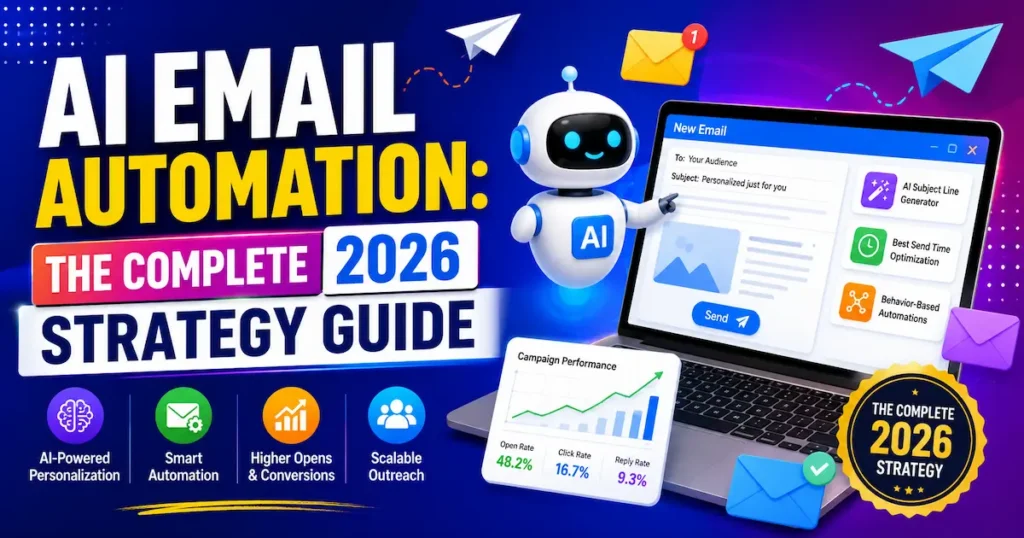
Old-school tools sent the same template on day three. AI-powered automated follow-up email software goes further.
It can spot conversations that need a nudge, draft the message in your voice, and adjust timing based on behaviour. That’s the difference between a robotic reminder and something that reads like you.
📊 Campaigns with 4–7 emails averaged roughly a 27% reply rate, versus about 9% for campaigns with just 1–3 emails — lemlist cold outreach analysis, as cited by Salesforge, 2026
That gap is why persistence, done well, pays. Our guide to AI for small business owners shows where else automation earns its keep.
Key Takeaway: Following up is where replies come from, and AI makes doing it consistently almost effortless.
6 Best AI Tools to Automate Email Follow-Ups in 2026
Each tool below solves a slightly different problem. Some live in your inbox, while others run full outreach campaigns.
Here’s a side-by-side look at six tools that are real and available right now. Prices are starting monthly rates at the time of writing, with GBP shown as an approximate conversion.
1. Mailbutler
Best For: Gmail, Outlook and Apple Mail users
Free Plan: Yes
Starting Price: $11/user (≈ £8.50)
Our Rating: ⭐⭐⭐⭐⭐ 4.5/5
2. alfred_
Best For: Follow-ups on existing relationships
Free Plan: Trial*
Starting Price: $24.99 (≈ £19)
Our Rating: ⭐⭐⭐⭐☆ 4.3/5
3. Superhuman
Best For: Fast, AI-powered inbox for busy professionals
Free Plan: Trial*
Starting Price: $30–$40 (≈ £23–£31)
Our Rating: ⭐⭐⭐⭐☆ 4.4/5
4. Saleshandy
Best For: Unlimited sequence steps with flat pricing
Free Plan: Trial*
Starting Price: $25 (≈ £19)
Our Rating: ⭐⭐⭐⭐☆ 4.4/5
5. Instantly
Best For: High-volume outreach with email warm-up
Free Plan: Trial*
Starting Price: ≈ $37.60 (≈ £29)
Our Rating: ⭐⭐⭐⭐☆ 4.3/5
6. lemlist
Best For: Personalised email plus LinkedIn steps
Free Plan: Trial*
Starting Price: $55/user (≈ £42)
- Our Rating: ⭐⭐⭐⭐☆ 4.2/5
Trial and plan details change often. Confirm on each vendor’s pricing page before you buy.
My pick for most beginners is Mailbutler for its low price, or alfred_ if you mainly chase warm clients.
Mailbutler: best all-rounder for beginners
Mailbutler works across Gmail, Outlook and Apple Mail. Its Smart Follow-ups combine tracking with AI-drafted nudges, and paid plans start at $11 per user monthly on annual billing.
alfred_: best for warm relationships
alfred_ detects conversations that need a follow-up and drafts the reply in your voice. It’s built for proposals and scheduling threads, not mass outreach.
Superhuman: best for inbox speed
Superhuman is a premium email client that bundles AI drafting with reminders. It’s pricey, but it works well if email is your whole job.
Saleshandy and Instantly: best for outreach volume
Saleshandy offers unlimited sequence steps at a flat price. Instantly is built around unlimited sending accounts and warm-up, so it suits heavier cold outreach.
lemlist: best for personalisation
lemlist mixes email and LinkedIn steps in one sequence. It costs more, but the personalisation is strong.
Key Takeaway: Start with a low-cost inbox tool like Mailbutler or alfred_, and only move to outreach platforms once you’re sending in volume.
How to Choose the Right Tool to Automate Email Follow-Ups
No single tool wins for everyone. Your workflow decides.
Match the tool to your type of work
Chasing invoices and proposals? Pick an inbox-based assistant. Sending 50 cold emails a week? You need a sequencing platform with deliverability features.
Browse our roundup of AI tools for marketers if outreach is your main channel.
Check pricing in your own currency
Many tools price per user, so costs add up fast. A US freelancer sees $11 a month, while a UK reader sees roughly £8.50 before VAT.
Canadian and Australian users usually pay in USD or a converted rate, so budget for exchange fees.
Three quick questions before you pay
- Does it work with Gmail or Outlook, whichever you use?
- Does it stop automatically when someone replies?
- Can you edit the AI draft before it sends?
If the answer to the last one is no, walk away. You should always be able to review messages in the early weeks.
Key Takeaway: Choose based on whether you chase warm clients or send cold outreach, then confirm the price in your own currency.
How to Set Up AI Tools to Automate Email Follow-Ups in 5 Steps
Setup is simpler than it sounds. Most people finish in under an hour.
Steps 1–3: build the foundation
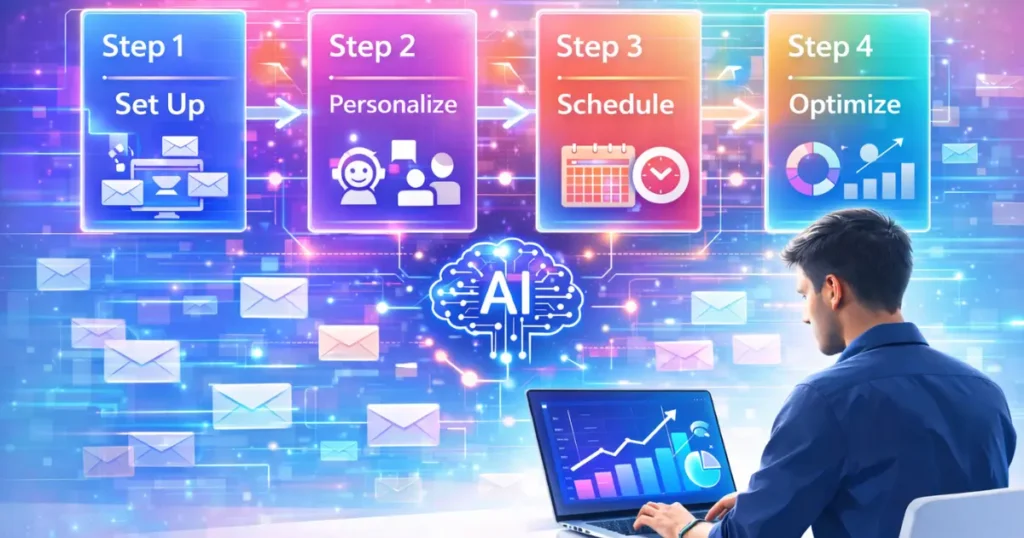
- Connect your inbox. Link Gmail or Outlook so the tool can read replies.
- Pick one use case. Start with unanswered proposals, not your whole inbox.
- Write a 3-email sequence. Keep each message under 100 words.
Steps 4–5: test and refine
- Set your timing. A gap of two to three days between messages works well for most people.
- Review weekly. Check reply rates and tweak the weakest message.
Each follow-up should add something new, such as a quick tip, a relevant link or a clearer question. “Just bumping this” adds nothing.
💡 Pro Tip: Today, find your three most recent unanswered proposals and send each one a short follow-up that adds one new piece of value, such as a relevant example.
For ideas on chaining this with other tools, see our guide to workflow automation for freelancers.
Key Takeaway: Start with one use case and a short three-email sequence, then improve it using real reply data.
3 Mistakes That Make Automatic Follow-Up Emails Backfire
Automation can hurt you if you set it and forget it. These three errors cause most of the damage.
Mistake 1: sending too many, too fast
More isn’t always better. Instantly’s reported 2026 benchmarks suggest long sequences without engagement can hurt inbox placement, so cap sequences at around four to six touches.
Mistake 2: generic “just checking in” copy
Prospects spot filler instantly. Reference the specific project, deadline or question instead.
Mistake 3: no stop rule
A follow-up landing after someone already replied looks careless. Pick tools that pause automatically on reply.
📌 Real Example: A software company used Reply with tailored templates, A/B testing and 3–4 automated follow-ups to lift first-email responses from about 5% to 15%.
The lesson is clear: a short, tested sequence beats a long one.
💡 Pro Tip: Add a one-line “stop rule” to your sequence settings today, so every follow-up halts the moment a reply or meeting booking arrives.
Key Takeaway: Keep sequences short, specific and self-stopping, and your follow-ups will feel human.
Staying Legal: Rules for Automated Follow-Up Emails in the USA, UK, Canada and Australia
Automation doesn’t excuse you from email law. This matters most for cold outreach.
United States and United Kingdom
In the USA, CAN-SPAM requires a clear opt-out and your real sender details. In the UK, PECR and UK GDPR apply, and rules differ between individuals and limited companies.
Canada and Australia
Canada’s CASL is stricter, with consent rules that catch many cold emailers off guard. Australia’s Spam Act 2003 also requires consent and a working unsubscribe.
Replying to someone who already contacted you is usually safe. Cold sequences to strangers need extra care.
This isn’t legal advice. If you email across several countries, check each regulator’s guidance or talk to a professional.
For related reading, see our overview of AI tools for freelancers and the main Automation hub.
Key Takeaway: Always include an opt-out and sender details, and treat cold outreach in Canada and Australia with extra caution.
Frequently Asked Questions
Mailbutler, alfred_, Superhuman, Saleshandy, Instantly and lemlist are strong options. Inbox tools suit freelancers chasing proposals, while Saleshandy, Instantly and lemlist suit outreach campaigns.
They monitor your sent emails, detect when no reply arrives, and send a scheduled message. Many also draft the copy and stop automatically when someone responds.
Yes, if lost deals cost you more than the subscription. Plans starting around $11 (£8.50) a month often pay for themselves with one recovered client.
Mailbutler offers a free plan, and several others offer trials. Free tiers are usually limited, so test them on one use case first.
Mailbutler or alfred_ usually fit best. Both focus on your inbox and existing relationships rather than bulk cold outreach.
Three to four is a sensible start for most freelancers. Cold outreach data suggests up to seven can work, but watch for spam complaints.
Common causes are poor sender reputation, too many emails too quickly, and spammy wording. Warm-up features and shorter sequences help.
Generally yes, if you follow local rules such as CAN-SPAM (US), PECR (UK), CASL (Canada) and the Spam Act (Australia). Always include an opt-out.
Yes. Tools like alfred_ draft messages in your style, but you should review drafts before they send.
Two to three days after your last message works well for most people. Test weekday mornings in your recipient’s time zone.
Final Thoughts
The best AI tools to automate email follow-ups save time by catching silent deals before they disappear. Pick a tool that matches how you actually work, keep sequences short and specific, and respect email laws in every market you serve.
You don’t need a perfect system, only a first sequence running by the end of this week.