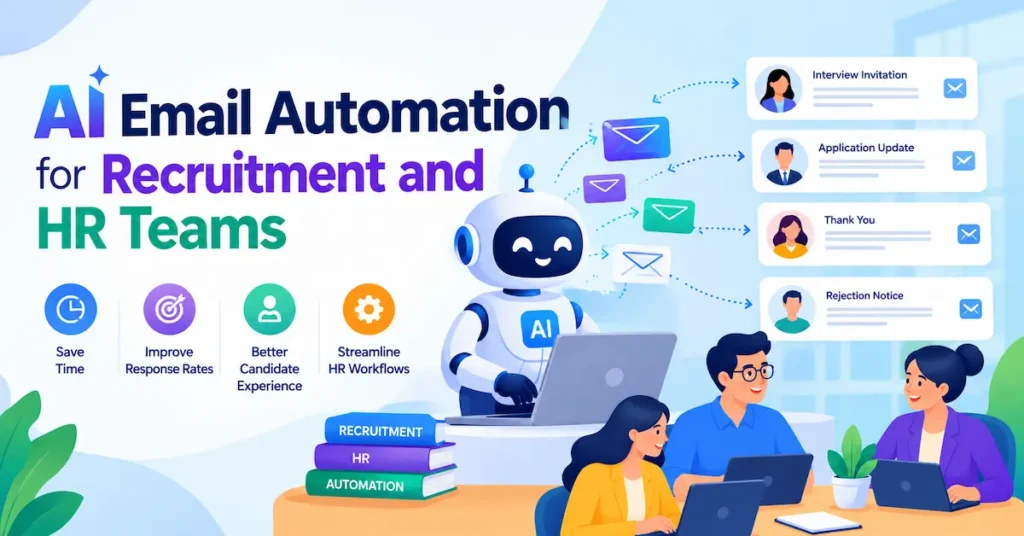
In the futuristic, ai email automation for recruitment fixes a problem every hiring team knows too well: you spend your day typing the same messages instead of talking to candidates. Outreach, follow-ups, interview invites, rejections. They all pile up.
Recruiting is already the area where HR teams use AI most, yet smaller employers are still catching up. This guide shows you which emails to automate, which tools fit a modest budget, and how to set everything up without sounding like a robot. You’ll also get the key compliance basics for the USA, UK, Canada, and Australia.
First, let’s get clear on what this technology actually does.
What Is AI Email Automation for Recruitment and Why Does It Matter?
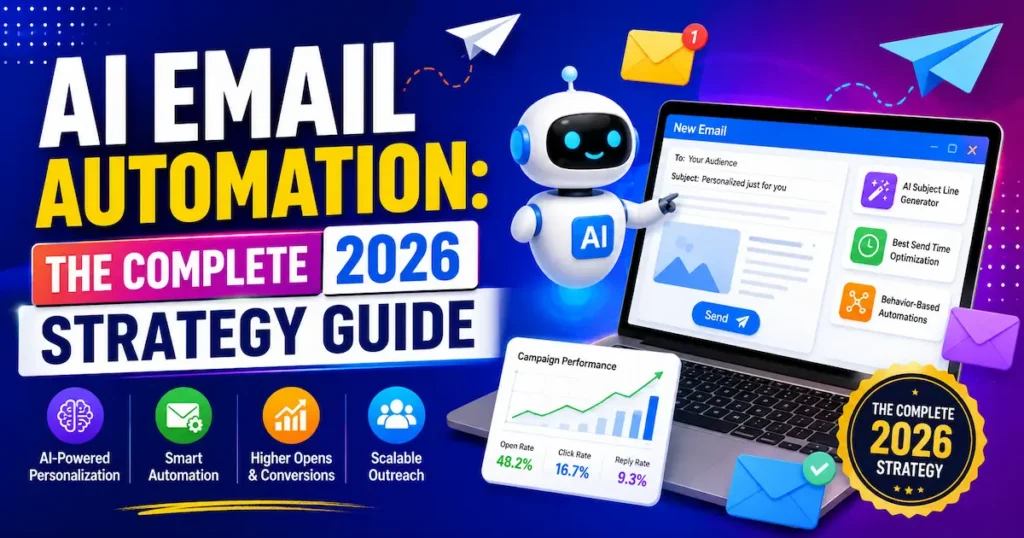
AI email automation for recruitment means software that drafts, personalizes, sends, and follows up on hiring emails with very little manual work. You set the rules. The AI handles the wording and the timing.
Older automation only swapped a candidate’s name into a template. Modern tools read the role, the hiring stage, and the candidate’s history, then write a message that fits.
Rule-Based vs AI-Powered Automation
Rule-based tools follow simple “if this, then that” logic, like sending a confirmation when someone applies. AI email automation real state tools go further. They adjust tone, suggest send times, and draft replies to common questions. Most teams end up using both together.
Why HR Teams Are Adopting It Now
Admin time is the hidden cost of hiring. Recruiters answer the same questions about status, scheduling, and next steps all week long. Automating those replies frees you up for calls and interviews.
📊 39% of organizations have adopted AI in their HR functions, and recruiting is the area where it shows up most often — SHRM, 2026
Smaller teams are behind the curve. SHRM found that only 16% of employers with fewer than 100 workers use automation or AI, compared with 42% of those with 5,000 or more. That gap is your opening.
Key Takeaway: AI email automation for recruitment turns repetitive candidate messaging into a background task, and small teams that start now gain an edge over slower competitors.
7 Recruitment and HR Emails You Can Automate Today
You don’t need to automate everything. These seven emails cover most of the repetitive volume in a typical hiring cycle.
5 Candidate-Facing Emails
- Outreach to passive candidates. AI personalizes the opening line using a candidate’s public profile and the role you’re filling.
- Application confirmations. Candidates get an instant reply with a realistic timeline.
- Interview scheduling. The system sends availability options and reminders, which cuts the endless back-and-forth.
- Follow-ups. Quiet candidates get a polite nudge after a set number of days.
- Status updates and rejections. Everyone hears back, so nobody gets ghosted.
2 Internal HR Emails
- Hiring manager reminders. Overdue interview feedback gets flagged automatically.
- Offer and onboarding sequences. New hires receive a welcome message, paperwork links, and first-week details on schedule.
Together, these automated candidate emails remove most of the inbox admin from a hiring cycle. A solo recruiter can run all seven with no-code tools and no developer.
💡 Pro Tip: Start with application confirmations and rejections. They’re high-volume and low-risk. Build one workflow this week, run it on your next open role, and expand only after it works cleanly.
Key Takeaway: Begin with the repetitive, low-risk emails, then add outreach and offer messages once you trust your setup.
Best AI Email Automation Tools for Recruitment and HR Teams in 2026
No single tool does everything. Most teams combine a drafting tool, a workflow tool, and an applicant tracking system (ATS) or outreach platform.
Here are six real options that cover the full workflow, from writing to sending to tracking.
1. Zapier
Best for: Connecting your ATS, Gmail, and AI into automated workflows.
Free Plan: Yes — 100 tasks/month
Starting Price: $19.99 / £15 per month (annual billing)
Rating: ⭐⭐⭐⭐⭐ 4.6/5
2. ChatGPT
Best for: Drafting and personalizing candidate emails.
Free Plan: Yes
Starting Price: $20 / £15 per month (Plus)
Rating: ⭐⭐⭐⭐⭐ 4.5/5
3. Manatal
Best for: Small agencies wanting an affordable ATS with AI scoring.
Free Plan: No — 14-day trial
Starting Price: $15 / £11 per user/month (annual billing)
Rating: ⭐⭐⭐⭐☆ 4.4/5
4. Breezy HR
Best for: Small businesses hiring for a few roles.
Free Plan: Yes — 1 active job
Starting Price: $157 / £118 per month (annual billing)
Rating: ⭐⭐⭐⭐☆ 4.2/5
5. Instantly
Best for: High-volume sourcing outreach and follow-ups.
Free Plan: No — free trial
Starting Price: $37.60 / £28 per month (annual billing)
Rating: ⭐⭐⭐⭐☆ 4.3/5
6. lemlist
Best for: Personalized multichannel outreach.
Free Plan: No — trial available
Starting Price: $69 / £52 per month
- Rating: ⭐⭐⭐⭐☆ 4.1/5
For most small teams, pair Zapier with ChatGPT first, then add Manatal or Breezy HR once you’re managing several open roles.
Pricing context: Zapier’s free plan covers 100 tasks a month, and Professional starts at $19.99 per month on annual billing. Manatal’s Professional plan is $15 per user per month on annual billing. Breezy HR’s free Bootstrap plan is limited to one active position, while Instantly’s annual Growth plan starts at $37.60 per month.
GBP figures are approximate conversions, so UK teams should check the final price at checkout, VAT included. Canadian and Australian buyers should likewise confirm the checkout currency and add local taxes like GST. This kind of HR email automation is usually cheaper than one hour of a recruiter’s weekly time.
Key Takeaway: Start with free or low-cost tools, because the best setup is the one you’ll actually maintain.
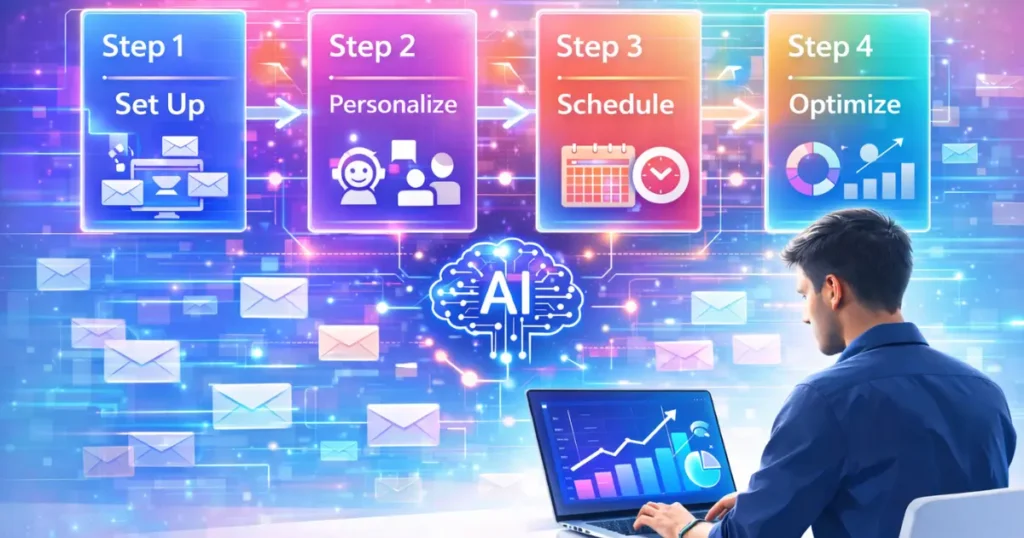
How to Set Up AI Email Automation for Recruitment in 5 Steps
You can launch a working workflow in an afternoon. Here’s the simplest path.
Step 1: Pick One High-Volume Email
Choose the message you send most often, such as application confirmations. One focused workflow beats five half-built ones.
Step 2: Write a Clear AI Prompt
Tell the AI the role, the tone, and what must be included. For example: “Friendly, professional, under 100 words, mention the next step and expected timeline.” Save the prompt so every email stays consistent.
Step 3: Connect Your Tools
Link your ATS or inbox to a workflow tool like Zapier. Set a trigger, such as “new application received,” and let the AI draft the reply.
Step 4: Add a Human Review Gate
Send routine messages automatically. Route rejections and offers to a person for a quick check before they go out.
Step 5: Test Small, Then Scale
Run the workflow on ten candidates. Fix any awkward wording, then switch it on for every role.
📌 Real Example: A recruitment desk at a staffing firm in the UK used candidate-communication automation from Odro to save roughly 6 hours per week and cut dropout and no-show rates (vendor-reported case study).
Key Takeaway: Automate one email, keep a human in the loop for sensitive messages, and expand only after a small test works.
4 Mistakes That Make Automated Recruitment Emails Backfire
Automation speeds up whatever process you feed it. Good or bad.
1. Sending Without Human Review
An AI draft can sound off or contain errors. Always check rejections, offers, and anything touching pay or contracts.
2. Sounding Robotic
Candidates notice generic messages instantly. Add one personal detail, like a role-specific line or a note from your last conversation.
3. Ignoring Local Email and Data Rules
Rules differ by country, so check the basics before you launch. This isn’t legal advice.
- USA: Some states and cities regulate AI used in hiring decisions, so confirm local requirements before automating screening.
- UK: Candidate CVs are personal data under UK GDPR, and auto-rejecting people with no human review sits in a legally sensitive area.
- Canada: CASL is strict about commercial electronic messages. Confirm whether your outreach needs consent, and always include an unsubscribe option.
- Australia: The Spam Act 2003 expects consent, clear sender identification, and an unsubscribe function for commercial messages.
4. Automating a Broken Process
If your job ads are vague or your pipeline is messy, automation just spreads the mess faster. Fix the process first.
Key Takeaway: Human review, personal touches, and local compliance checks keep automated recruitment emails effective and safe.
How to Measure Whether Your Recruitment Email Automation Works
Most teams never check. SHRM found that only 16% of HR professionals track their own return-on-investment metric for AI. Don’t be in the other 84%.
Track these five numbers before and after launch:
- Reply rate to outreach emails
- Time to first response for new applicants
- Time to schedule an interview
- Interview no-show rate
- Recruiter hours saved per week
Review them monthly. If reply rates drop, rewrite your prompt. If no-shows fall, you’ve found a winner worth expanding.
💡 Pro Tip: Before switching anything on, record your current average time-to-reply and hours spent on candidate emails this week. Without that baseline, you can’t prove the results to your boss or your clients.
Key Takeaway: Measure a baseline first, then compare monthly, so recruitment email automation earns its place in your workflow.
Frequently Asked Questions
It’s software that uses AI to write, personalize, send, and follow up on hiring emails automatically. It handles tasks like outreach, interview invites, and status updates so recruiters can focus on conversations.
You connect your inbox or ATS to an automation tool, set a trigger like “new application,” and give the AI a prompt. The system drafts and sends the email, or holds it for your approval.
Generally yes, but the rules vary by country. Data protection laws, anti-spam laws, and local AI-in-hiring rules may apply, so keep a human in the loop and check requirements for your market.
Yes, if you give it a clear tone, specific details, and a quick human edit. Adding one personal line per email makes a big difference.
Zapier plus ChatGPT is a strong, low-cost starting point. Add an affordable ATS like Manatal or Breezy HR as your volume grows.
You can start for free with Zapier’s and ChatGPT’s free plans. Paid setups typically run from about $15 to $157 per month (roughly £11 to £118), depending on the tools and team size.
No. AI handles repetitive messaging, but relationship-building, judgment, and final hiring decisions still need people.
Yes, when they’re polite and timely. Candidates value closure, but have a person review rejections for senior or final-round candidates.
Final Thoughts
AI email automation for recruitment works best when you start small, keep humans involved in sensitive messages, and measure results against a baseline. Pick one high-volume email, choose a low-cost tool stack, and respect the consent and data rules in your market.
The teams that build these simple workflows now will spend less time on admin and more time on the candidates who matter, and your first automated email could be live by tomorrow.