How AI Can Automate Small Business Tasks: 7 Safe Starting Points
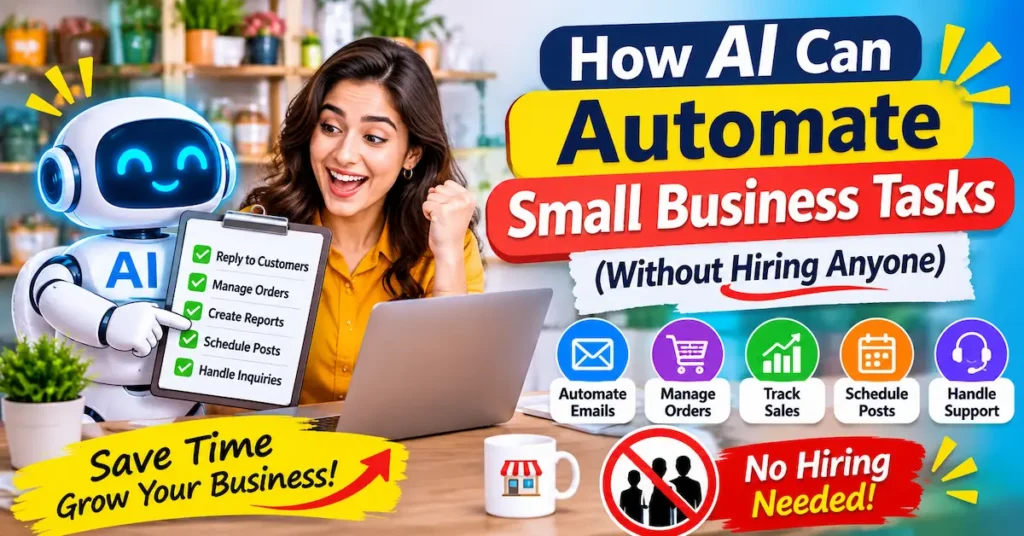
Start with work that repeats, follows clear rules and does little damage if it is slightly off. These seven tasks fit that description. Australia’s ANZ business hub lists many of the same jobs, including sorting inboxes, drafting replies, building rosters and transcribing meetings.
1. Customer Enquiries
A chatbot or AI-drafted reply can handle opening hours, service areas and booking questions instantly. Anything unusual gets passed to you.
2. Inbox Sorting and Replies
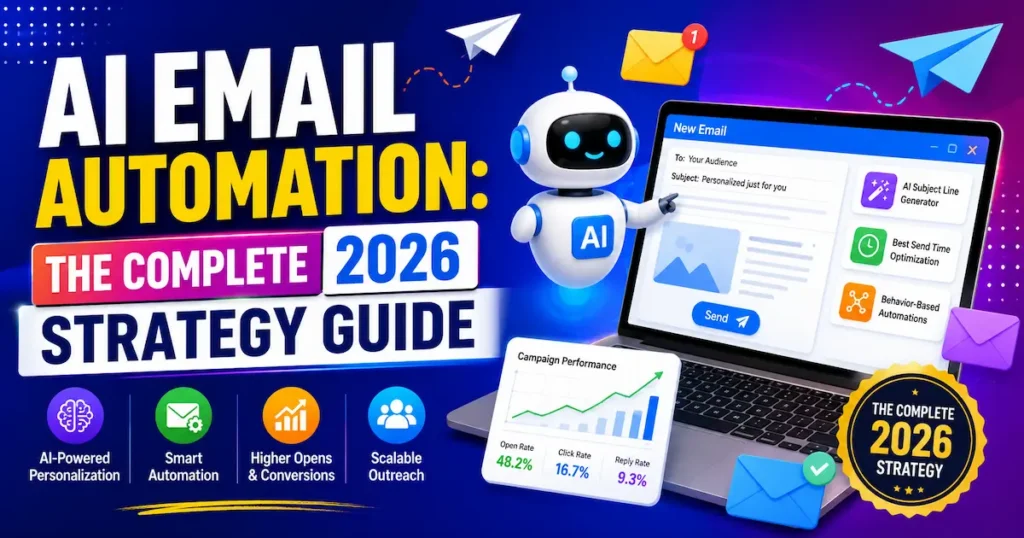
AI can label emails by urgency, summarise long threads and draft replies for you to approve in seconds.
3. Meeting Notes and Action Items
AI note-takers record the call, summarise it and list who owes what. Nobody types notes during client calls anymore.
4. Social Posts and Marketing Visuals
Turn one brief into caption drafts and on-brand graphics, then schedule them. Our guide to AI solutions for marketing shows which options have the highest impact.
5. Lead Follow-Up
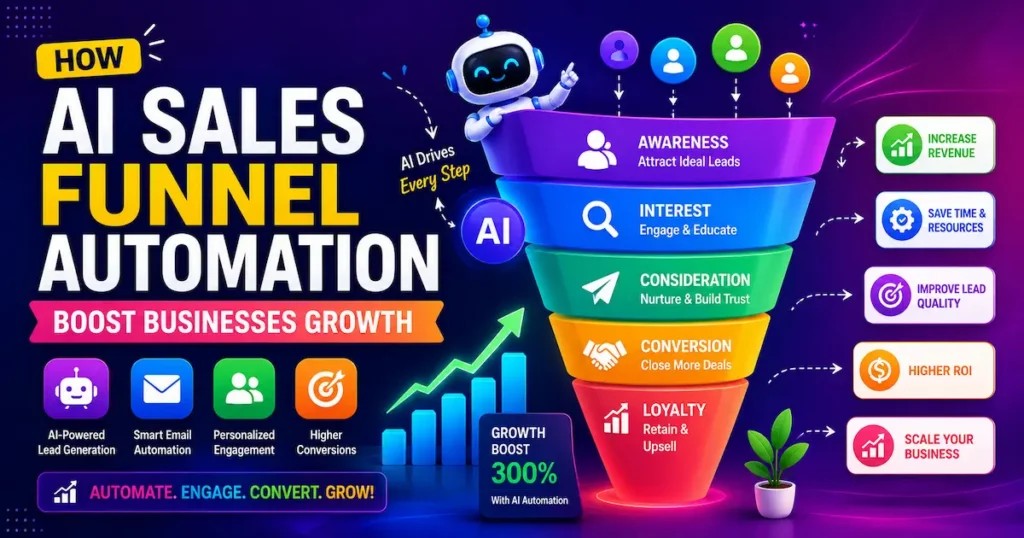
A short, timely reminder after a quote or enquiry wins work that would otherwise go quiet. See the best AI tools to automate email follow-ups for specific options.
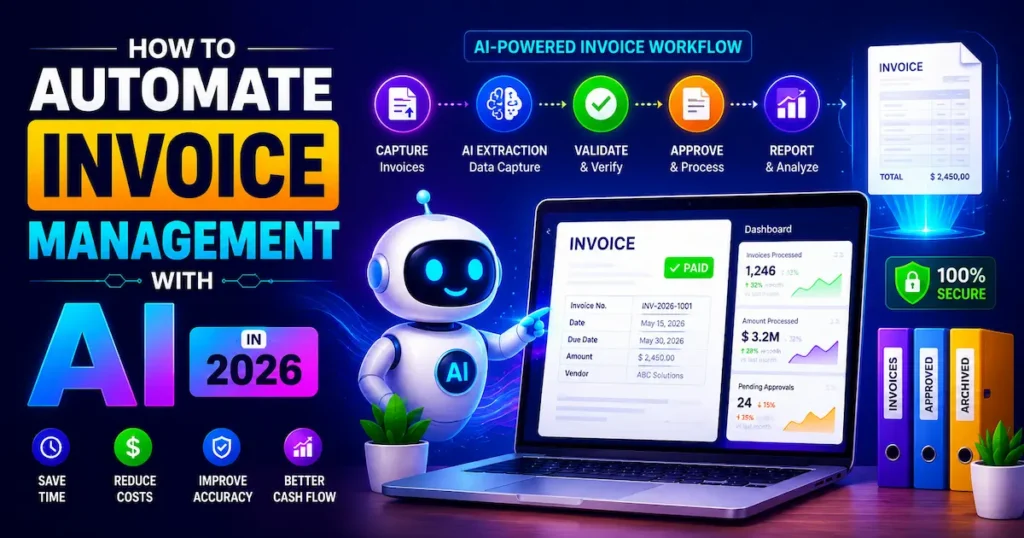
6. Invoice and Payment Reminders
When an invoice passes its due date, a friendly reminder goes out automatically. You skip the awkward email.
7. Weekly Reporting
Pull sales, ad and enquiry numbers into one summary every Monday. AI builds it; you read it.
Key Takeaway: Start with repetitive, rule-based, low-risk tasks, because they save the most time with the least risk to customer trust.
How to Choose the First Small Business Task to Automate
You cannot automate everything at once, and trying to is the fastest way to give up. Run a five-day time audit instead. Note every task you repeat and roughly how long it takes.
Then score each task with three questions:
- Does it happen daily or weekly?
- Does it follow the same steps each time?
- Is a small mistake easy to fix?
Tasks with three “yes” answers are your first targets. Tasks that need judgement, empathy or legal sign-off stay with you for now.
Freelancers can use the same test. A designer might find that client onboarding emails and invoice chasing score higher than design work itself. The goal is to automate the admin around your skill, not the skill.
If you sell services, our guide to AI email automation for coaches, consultants and freelancers shows how to automate repetitive tasks with AI around client communication.
 Pro Tip: Spend 10 minutes tonight listing every task you did twice last week, then circle the one that took longest. That is your first automation.
Key Takeaway: Score tasks on frequency, repeatability and low risk, then automate the highest scorer first.
5 AI Automation Tools for Small Business Compared
Most small businesses need two kinds of tools: one that connects your apps and one that handles writing, summarising or design. Here is how five popular small business automation tools compare. Prices are entry-level paid plans, shown in USD with an approximate GBP equivalent.
1. Zapier
Best For: Connecting your apps with no-code workflows.
Free Plan: Yes (100 tasks/month).
Starting Price: $19.99 / approx. £15 per month.
Our Rating:
 4.6/5
2. Make
Best For: Visual, multi-step automations on a budget.
Free Plan: Yes (1,000 credits/month).
Starting Price: $9 / approx. £7 per month.
Our Rating:
4.5/5
3. ChatGPT
Best For: Drafting replies, summaries, and research.
Free Plan: Yes.
Starting Price: $20 / approx. £15 per month (Plus).
Our Rating:
4.7/5
4. Fathom
Best For: Meeting recording, summaries, and action items.
Free Plan: Yes (5 advanced AI summaries/month).
Starting Price: $16 / approx. £12 per month.
Our Rating:
4.5/5
5. Canva (Magic Studio)
Best For: Social graphics and marketing content.
Free Plan: Yes.
Starting Price: $15 / £13 per month (Pro).
- Our Rating: 4.6/5
If you are starting out, pair a free automation platform with a general AI assistant. Add Fathom or Canva only when meetings or content creation are your biggest time drains.
How the Tools Fit Together
A common stack works like this: an AI assistant drafts the text, an automation platform moves information between apps, and a specialist tool handles calls or visuals.
Watch how each platform counts usage. Zapier bills per completed action, called a task, while Make spends a credit on each module step. Multi-step workflows therefore use up allowances faster than you expect.
Pricing Notes for the USA and UK
US-based owners will see these tools priced in dollars. UK buyers will see Canva priced in pounds, while the others list USD, so check the final amount at checkout.
Not sure which platform suits you? Our Make.com vs Zapier comparison breaks down features, ease of use and pricing.
Key Takeaway: Pair one automation platform with one AI assistant, and add specialist tools only when a clear time drain justifies the cost.
AI Workflow Examples: 3 Automations You Can Build This Week
Each workflow below follows the same pattern: a trigger, an AI step and a human check. You can build any of them in Zapier or Make without code.
Enquiry to Draft Reply
A website form comes in. AI drafts a reply using your FAQs and service details. The draft lands in your inbox for one-click approval.
Meeting to Task List
A client call ends. The note-taker’s summary becomes tasks in your project tool, and a recap email draft is ready for the client.
Overdue Invoice to Polite Reminder
Your accounting tool flags an overdue invoice. The automation sends a friendly reminder with the payment link. If there is no reply in seven days, it alerts you.
 Real Example: A UK small business, IQ Glass, used Zapier automations built by consultancy Solvaa to save about 45 hours a week, the equivalent of a full-time team member, and an estimated £2,800 per month (source).
The consultancy reported those figures, so treat them as a guide rather than a guarantee. Your results will depend on your volume, your apps and how repetitive your admin is.
Key Takeaway: Every good workflow has a trigger, an AI step and a human check, and one built well can return hours every week.
What AI Should Not Automate in a Small Business
AI is fast, but it is not accountable. Keep these tasks in human hands:
- Final decisions: hiring, pricing changes and refunds above a limit.
- Sensitive conversations: complaints, bad news and anything emotional.
- Legal, tax and medical advice: AI drafts can contain errors.
- Unreviewed customer-facing messages: always read before sending, at least at first.
Data protection matters too. Customer details are covered by rules such as UK GDPR in the UK, PIPEDA in Canada and the Privacy Act in Australia, while US rules vary by state. Check each tool’s data settings before you feed it personal information.
The aim is not to remove yourself. Goldman Sachs found that 87% of small business owners say AI augments rather than replaces employees.
Pro Tip: Before pasting anything about a customer into an AI tool, open its data settings and switch off training on your inputs where that option exists.
Key Takeaway: Let AI draft and sort, but keep people responsible for decisions, sensitive conversations and anything legal or financial.
5 Mistakes That Make AI Automation Backfire
Adoption is easy; making it stick is hard.
76% of small businesses report using AI, but only 14% say it is fully embedded in their core operations. — Goldman Sachs, 2026
That gap usually comes from these five mistakes.
1. Automating a Broken Process
If the manual steps are messy, automation just makes the mess faster. Fix the process first.
2. Skipping the Review Step
Send AI drafts to yourself before they reach customers until you trust the output.
3. Building Too Much at Once
Five half-working automations are worse than one reliable one. Finish one, then move on.
4. Ignoring Usage Costs
Task and credit allowances can run out quickly on busy multi-step workflows. Check your expected volume before upgrading.
5. Never Measuring Results
Track hours saved or replies sent. Without numbers, you will not know what is worth keeping.
Key Takeaway: Most failures come from weak processes and missing review steps, not weak tools.
How AI Can Automate Small Business Tasks in 30 Days: A Simple Plan
You do not need a big rollout. Four weeks is enough to see real change.
Week 1: Audit. Track your repeat tasks and score them using the three-question test.
Week 2: Build one workflow. Pick the top scorer and use a free plan if you can. Keep it to three steps.
Week 3: Add a review step and test. Run it on real work, correct the output and fix any breaks.
Week 4: Measure and expand. Count the hours saved, then choose your second task. To benchmark results, see AI email automation ROI: real stats and benchmarks.
By day 30, one repetitive task should run without you. After that, how AI can automate small business tasks becomes a habit, not a project. For more practical guides, browse all Futuristics blogs.
Key Takeaway: Audit, build one workflow, review it, measure it, then expand, because small steady wins beat big rollouts.