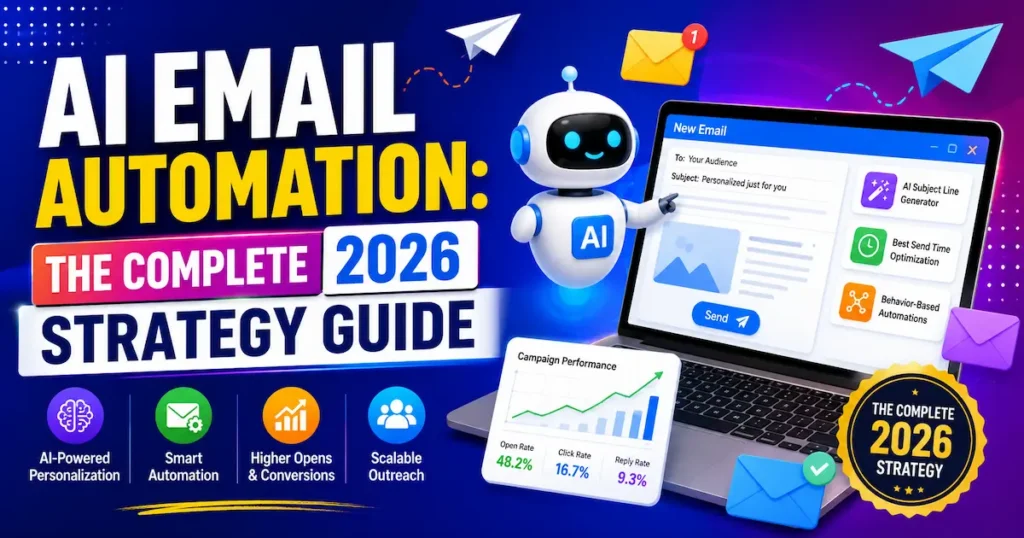
In the Futuristics, ai email automation for coaches, consultants and freelancers can win back hours every week, yet most solo professionals still write every follow-up by hand. You know the feeling. A warm lead goes cold because you replied three days late, and you rewrite the same onboarding email for the fortieth time.
This guide shows you which emails to automate first, which tools are worth paying for, and where to keep your own voice. You’ll get a four-step setup, a six-tool comparison and the mistakes that quietly cost clients.
No coding and no big budget required. Let’s start with what this technology actually does.
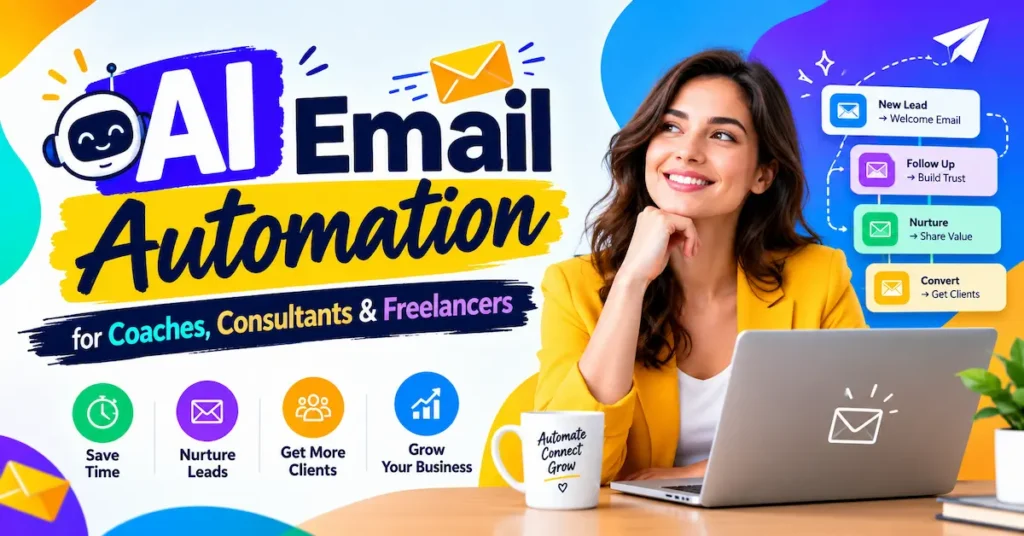
What AI Email Automation for Coaches Actually Does
Email automation isn’t new. AI changes what it can handle, Ai email automation by h.r Team
Rules-Based Automation: The Foundation
Classic automation follows fixed instructions. Someone joins your list, and three emails go out over a week.
It’s reliable and predictable. But it can’t read a message or adjust to who’s on the other end.
Where AI Adds Judgement
AI sits on top of those rules. It can read an incoming enquiry, draft a reply in your tone and flag which messages need you today.
An AI email assistant for freelancers can also sort a messy inbox into “client,” “lead” and “noise.” Some tools suggest the best send time for each subscriber.
📊 30% of marketing leaders earn $36 to $50 back for every $1 spent on email .
That return is why email is worth getting right. Automation protects it by making sure no lead waits and no client feels forgotten.
Think of AI as a fast junior assistant. It drafts, sorts and reminds. You approve, personalise and decide.
Key Takeaway: AI doesn’t replace your voice; it removes the repetitive typing around it.
5 Email Jobs Worth Automating First
Don’t automate everything at once. Start with the emails you send most often and dread most.
1. Lead Replies
Someone fills in your contact form. An automated reply confirms you got it and shares a booking link.
Speed matters here. A reply within minutes beats a perfect reply tomorrow.
2. Client Onboarding
New clients need the same welcome, intake form and session details every time. Build it once and it runs for every new client.
3. Automated Follow-Up Emails
Most deals die in silence, not in rejection. A short nudge after three days and another after seven recovers more clients than you’d expect.
4. Session Reminders and Recaps
Reminders cut no-shows. AI can also turn your session notes into a tidy recap draft for you to approve.
5. Newsletter and Nurture Sequences
A five-email welcome sequence introduces you, shares your best advice and invites a call. It works for you around the clock.
📌 Real Example: A marketing agency in Australia used Zapier to automate lead follow-up. It now saves more than an hour per team member every week, and the same workflow supports over 500 client campaigns (source).
💡 Pro Tip: Open your sent folder today and find the email you’ve written most often this month. Paste it into an AI assistant, ask for a reusable template in your tone, and save it as your first automation.
Key Takeaway: Automate repeat emails first, because that’s where your hours leak fastest.
6 Best AI Email Automation Tools Compared
Tools fall into three groups, and you rarely need all of them.
Built-In Assistants
Gemini in Gmail and Microsoft Copilot in Outlook help draft and summarise inside the inbox you already use. They’re the easiest starting point.
Email Platforms
Kit, MailerLite, Brevo and ActiveCampaign run your sequences and newsletters. This is the engine of email automation for consultants with a growing list.
Connectors
Zapier links your email to forms, calendars and CRMs. It’s the glue that makes everything trigger automatically.
1. MailerLite
Best for: Beginners and simple email sequences
Free Plan: Yes
Starting Price: Approximately $10 / £8 per month
Our Rating: 4.5/5
MailerLite is ideal for beginners who want to create email campaigns, build mailing lists, and set up simple automated email sequences. Its user-friendly interface makes it a great choice for solo professionals.
2. Kit (ConvertKit)
Best for: Coaches selling courses or newsletters
Free Plan: Yes, with up to 10,000 subscribers
Starting Price: Approximately $39 / £29 per month
Our Rating: 4.4/5
Kit is designed for creators, coaches, and newsletter publishers. It offers tools to grow an audience, automate email marketing, and promote digital products such as online courses and paid newsletters.
3. ActiveCampaign
Best for: Advanced automation with CRM
Free Plan: No
Starting Price: From $15 / £11 per month
Our Rating: 4.5/5
ActiveCampaign is suitable for professionals who need advanced email automation and customer relationship management (CRM). It helps users create personalized customer journeys, automate follow-ups, and manage customer interactions.
4. Brevo
Best for: Budget-friendly email marketing and larger contact lists
Free Plan: Yes, with up to 300 emails per day
Starting Price: Approximately $9 / £7 per month
Our Rating: 4.2/5
Brevo is a budget-friendly option for solo professionals who want to manage larger contact lists without paying based on every contact. It provides email marketing, automation, and customer communication tools.
5. HubSpot
Best for: Consultants who want a free CRM
Free Plan: Yes
Starting Price: From $15 / £11 per seat per month
Our Rating: 4.3/5
HubSpot is a good choice for consultants who want to manage customer relationships alongside their marketing activities. Its CRM helps organize contacts, track customer interactions, and manage leads, while its marketing tools support email campaigns and follow-ups.
6. Zapier
Best for: Connecting email marketing to other applications
Free Plan: Yes
Starting Price: Approximately $20 / £15 per month
Our Rating: 4.6/5
Zapier helps solo professionals connect email marketing platforms with other applications, such as CRM systems, spreadsheets, and project management tools. It automates repetitive tasks and allows different apps to work together without requiring coding skills.
For most beginners, start with MailerLite or Kit, and add Zapier once you want forms and calendars talking to each other. Prices are approximate, change often and vary by list size and billing period, so confirm on each vendor’s site before you buy.
Key Takeaway: Pick one email platform and one connector; more tools usually mean more mess, not more results.
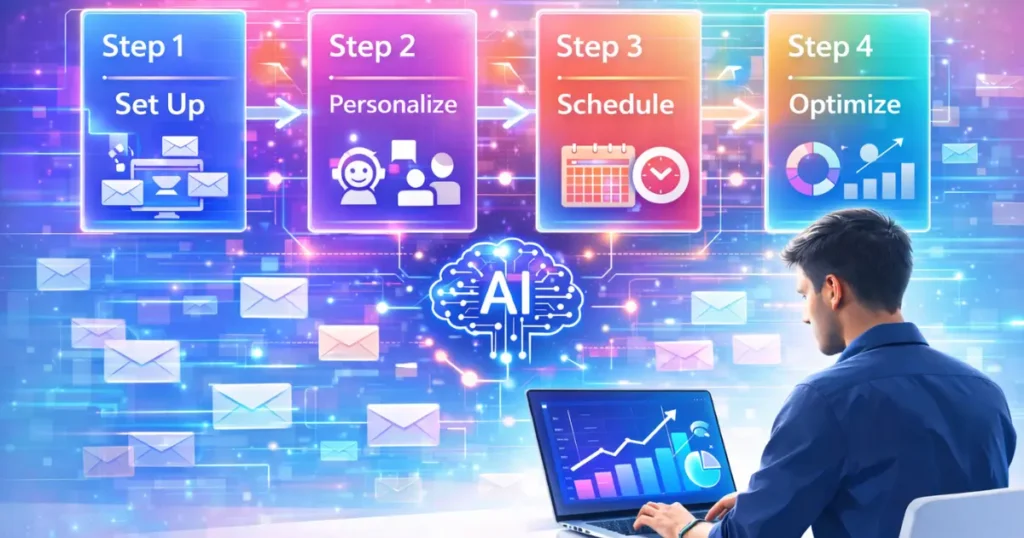
How to Set Up AI Email Automation for Coaches in 4 Steps
You can build a working system in an afternoon. Follow these steps in order.
Step 1: Map Your Client Journey
List every email you send from first enquiry to final invoice. Circle the five you repeat most. Those are your automation candidates.
Step 2: Write Your Voice Guide
Collect three of your best emails and describe your style in a short paragraph. For example: friendly, direct, no jargon, short sentences.
Paste that guide into your AI tool before every drafting session. It keeps replies sounding like you.
Step 3: Build and Connect
Create your sequences in your email platform. Use a connector such as Zapier so a new form submission or booked call triggers the right sequence automatically.
Keep each sequence short at first. Three to five emails is plenty.
Step 4: Test, Approve and Refine
Send every sequence to yourself first. Check links, names and tone on your phone.
Turn on “draft for approval” for any AI-written reply until you trust it. Then review results monthly.
💡 Pro Tip: Add a plain-text line near the top of every automated email such as “Just hit reply, I read every message personally.” It invites conversation and helps your emails land in the inbox.
Key Takeaway: Start small, test on yourself, and keep a human approval step until the system earns your trust.
3 Mistakes That Make Automated Emails Feel Robotic
Automation fails when it feels like automation. Avoid these three traps.
Mistake 1: Automating Sensitive Conversations
Never automate replies about complaints, refunds or personal struggles. A coach’s value is empathy. A canned response to a stressed client does lasting damage.
Mistake 2: Skipping the Edit
AI drafts are a starting point. Read each template once and cut anything you’d never say out loud. Generic phrases are easy to spot.
Mistake 3: Over-Emailing
Automation makes it easy to send too much. Watch your unsubscribe and reply rates. If people stop replying, send fewer, better emails.
Quality beats volume every time. One useful email a week builds more trust than five pushy ones.
Key Takeaway: Automate the logistics, keep the human moments human, and edit everything AI writes.
AI Email Automation for Coaches: Rules in the USA, UK, Canada and Australia
Where your clients live changes what you can send. Get this right early.
USA
The CAN-SPAM Act requires a clear unsubscribe link and your physical address in marketing emails. Most platforms add both automatically.
UK
UK GDPR and PECR expect consent for most marketing emails. Keep a record of when and how each person opted in.
Canada
CASL is among the strictest regimes. You generally need express or clearly implied consent before sending commercial messages.
Australia
The Spam Act 2003 requires consent, accurate sender details and a working unsubscribe. Check that your platform’s footer meets these rules.
Pricing also shifts by market. Tools list prices in USD, so UK users pay roughly £7 to £30 a month depending on the platform, and Canadian and Australian users should expect currency conversion and possible tax on top.
Key Takeaway: Collect clear consent, include an unsubscribe link and keep records, and you’re covered in all four markets.
Frequently Asked Questions
It’s software that handles repeat emails such as lead replies, onboarding and follow-ups, with AI helping to draft and sort messages. You set the rules and tone, and the system does the repetitive work.
You can start free with MailerLite, Brevo, Kit or HubSpot. Paid plans typically run from about $9 to $39 (£7 to £29) per month, rising as your list grows.
It can be, if you choose reputable tools and follow privacy rules like UK GDPR. Avoid pasting sensitive client details into general AI chat tools, and check each vendor’s data policy.
Yes, with guidance. Give the AI three of your best emails and a short style description, then edit the draft before sending.
ActiveCampaign and HubSpot suit consultants who want email plus CRM. If you’re just starting, MailerLite is simpler and cheaper.
Keep them short, helpful and spaced out, such as day 3 and day 7. Offer value or a simple question, not a hard sell.
Yes, when you follow local rules: CAN-SPAM in the USA, UK GDPR and PECR in the UK, CASL in Canada and the Spam Act in Australia. Consent and an unsubscribe link are the essentials.
Absolutely. Freelancers use them to triage inboxes, draft proposals and chase invoices. Always review AI drafts before they reach a client.
Common causes are poor sender reputation, missing authentication and spammy wording. Use a reputable platform, set up your domain properly and avoid all-caps subject lines.
A basic welcome and follow-up sequence takes two to four hours. Complex multi-step systems can take a few days to build and test.
Final Thoughts
AI email automation for coaches works best when you automate repeat tasks, choose one simple platform and keep a human touch for sensitive moments. Start with lead replies and follow-ups, edit every AI draft, and respect consent rules in your market.
Your inbox can run quietly in the background, so you can spend your best hours with clients and start building your first sequence today.